 DOCUMENTATION
Welcome to AVOPSIM
AVOPSIM is a cost-effective simulator for ground personnel training in airside vehicle operations. It runs on a modified version of Microsoft Flight Simulator 2024 as the simulation engine, so the budget goes into reproducing your airfield, your vehicles and your procedures accurately, not into building and maintaining a simulation engine.
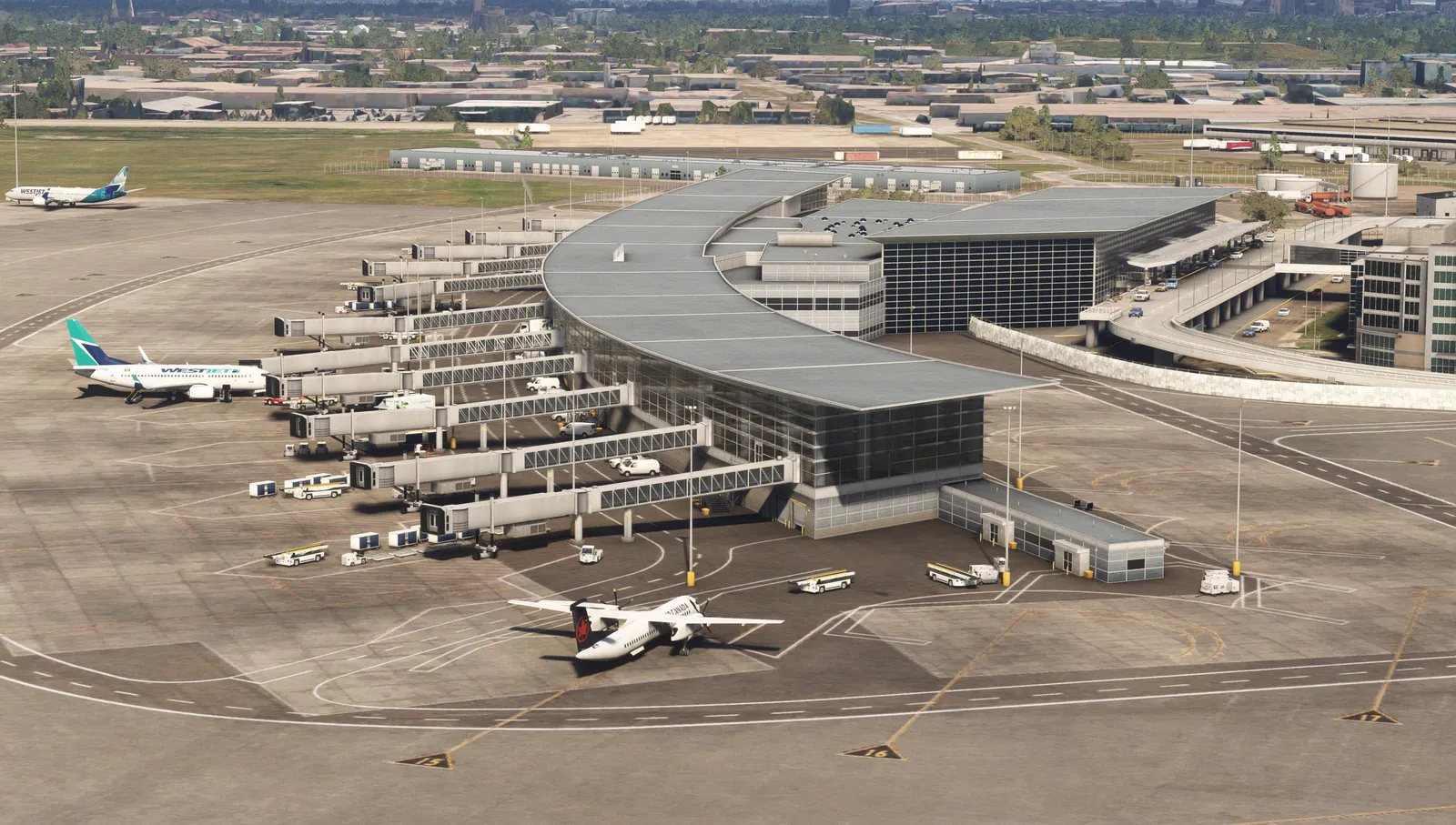
Who this knowledge base is for
This documentation is written for the people who run and use AVOPSIM at an airport:
- Training managers planning programs, cohorts and stations.
- Instructors and examiners who author missions in the Mission Editor and run sessions from the Examiner Console.
- Trainees preparing for airside driving and specialist vehicle qualifications.
- IT and facilities teams installing and maintaining training stations.
How the documentation is organized
| Manual | What it covers |
|---|---|
| Getting Started | What AVOPSIM is, the four software layers, the training programs and key terminology. |
| Stations & Hardware | Desk stations, driving stations and full vehicle cabins, with requirements and setup. |
| Instructor Tools | Missions, the Mission Editor, the Examiner Console, scoring and debriefing. |
| Training program manuals | One manual per program: airside driver training, ARFF, ground handling, boarding bridge, snow removal, deicing and AI radio communication. |
| Deployment & Integration | How an airport integration is scoped, modeled, delivered and kept current, with case studies. |
| FAQ & Support | Common questions and how to reach the AVOPSIM team. |
Press Ctrl + K (or ⌘ + K on a Mac) on any page to search every manual. Each article can also be downloaded as a PDF, and each manual is available as a complete PDF.
Why simulate
Airside driver training normally means an instructor, a vehicle out of service and a live apron. AVOPSIM moves the learning, the mistakes and the repetition into a classroom.
- Higher first-attempt pass rates. Trainees learn the layout, signage, hold points and hotspots of their own airfield before the practical exam. Fewer re-tests, less instructor time.
- No vehicle out of service. Route familiarization and procedure practice happen at a training station, not in an operational vehicle on an active apron burning fuel.
- Mistakes without consequences. Runway incursions, missed hold points and incorrect phraseology are made in the simulator, logged, and debriefed.
- Less supervision per trainee. One instructor monitors several stations from the Examiner Console. Missions pass or fail automatically against the constraints you configure.
- Low cost of ownership. Using Microsoft Flight Simulator as the engine keeps development and maintenance cost low.
- Train ahead of change. A new taxiway, a relocated stand or a construction closure is added to the digital twin so drivers learn the new routing before it goes live.