 DOCUMENTATION
Software architecture
AVOPSIM is four software layers on one engine, running on three hardware configurations. The same software runs on every configuration, so a program can start on a laptop and move to a full cabin without changing anything but the station.
Each layer builds on the one below it. Microsoft provides the core; AVOPSIM provides the three above.
| Layer | Name | Provided by |
|---|---|---|
| 01 | Core: Microsoft Flight Simulator 2024 | Microsoft and Asobo |
| 02 | Scenery: the airport digital twin | AVOPSIM |
| 03 | Vehicles: your fleet, modeled per unit | AVOPSIM |
| 04 | Mission module: missions, Mission Editor and Examiner Console | AVOPSIM |
01 · Microsoft Flight Simulator 2024
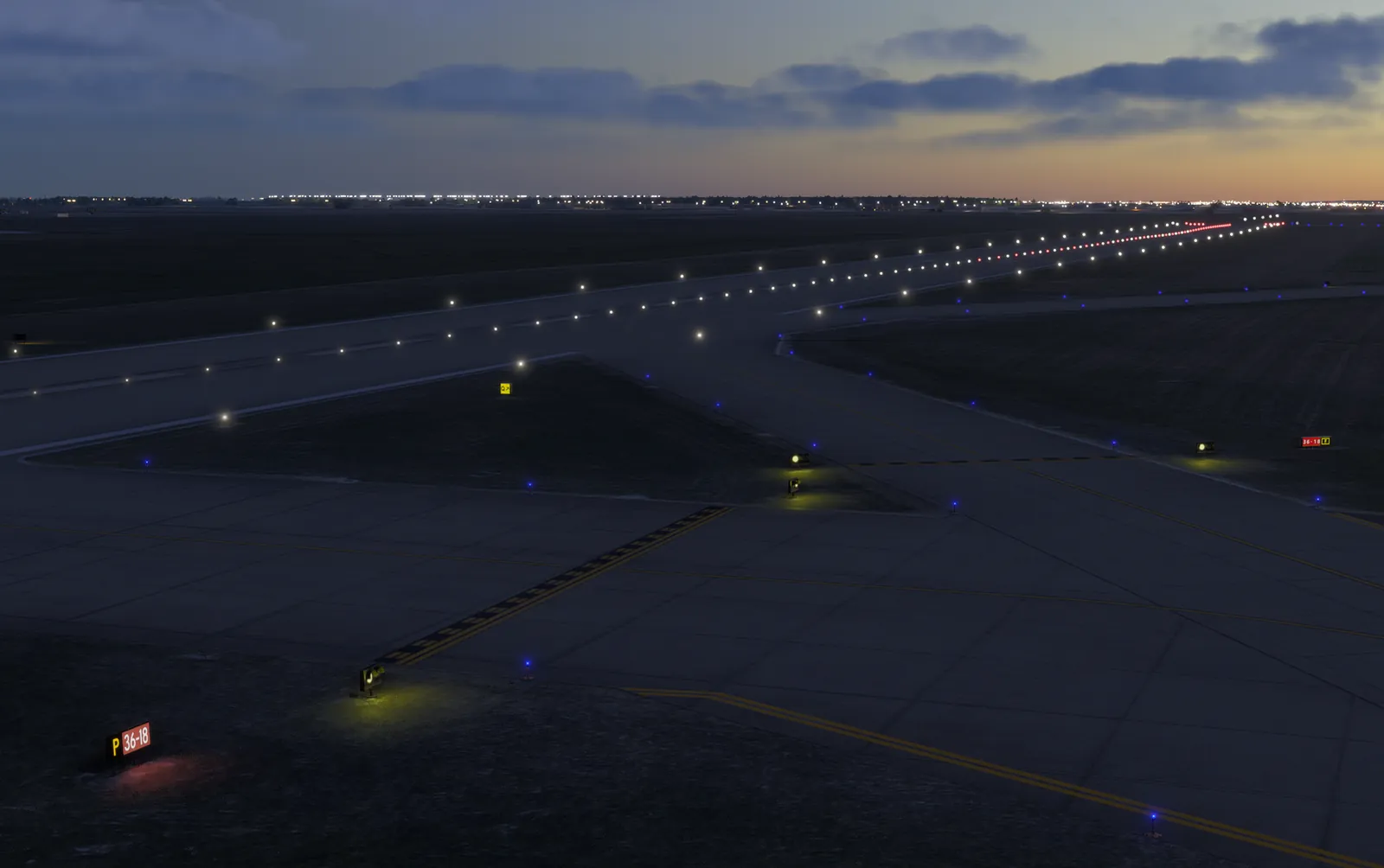
The simulation engine. Global terrain, live and preset weather, a full day and night cycle, vehicle physics, multi-screen and VR support, maintained and updated by Microsoft and Asobo. AVOPSIM does not rebuild any of this, which is where the cost saving comes from.
- Photorealistic world outside the airport boundary
- Live or preset weather: rain, snow, fog, wind, visibility
- Day and night cycle, any season
- Licensed separately, Standard Edition
02 · The airport digital twin
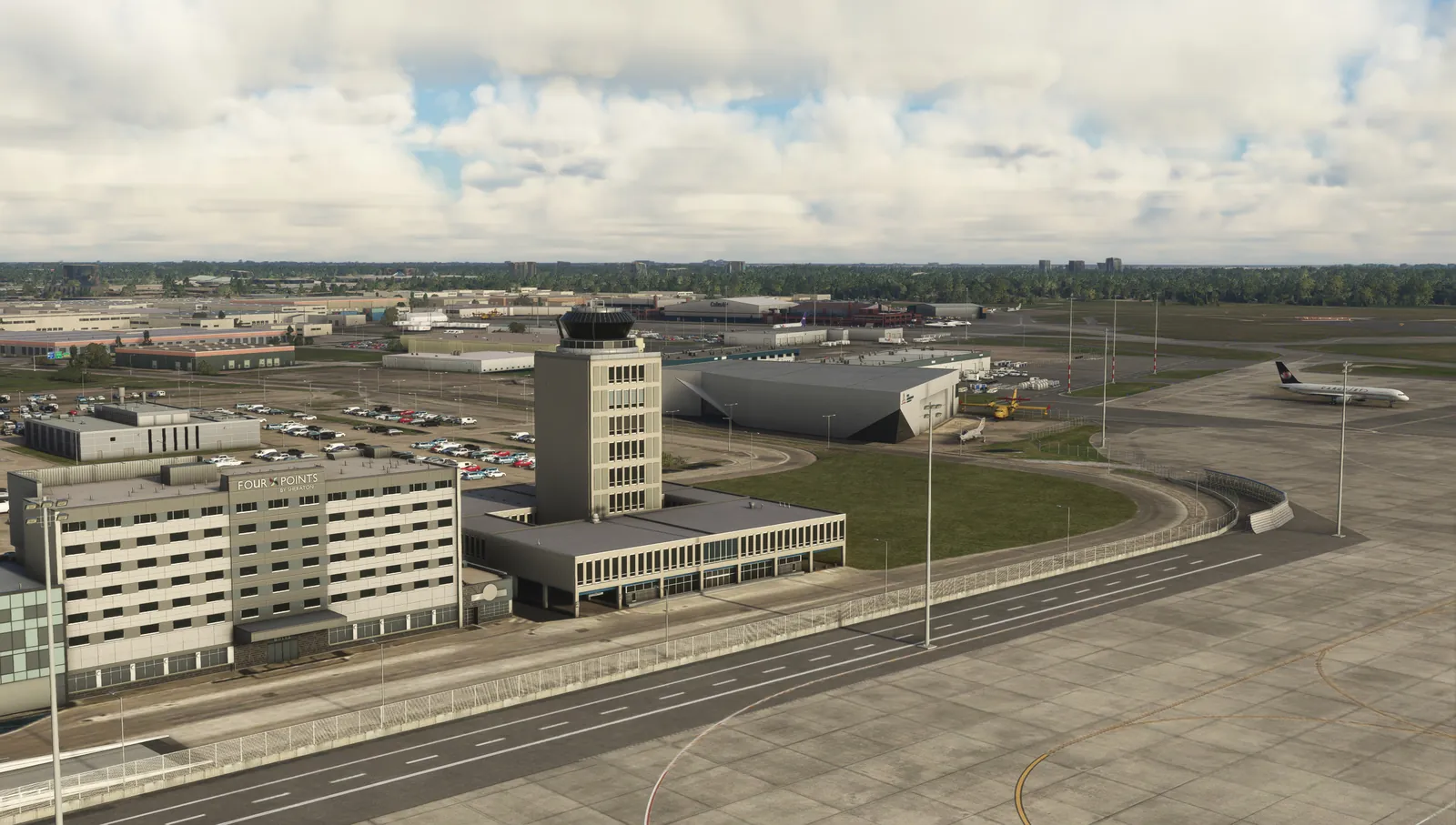
Your airfield reproduced 1:1 from operational drawings and survey data and loaded into the engine as scenery: runways, taxiways, aprons, service roads, buildings and terrain, with signage, markings and lighting placed as on the live airfield.
- Signs, markings, hold points and hotspots
- Centerline and edge lights, stop bars, guard lights, apron floods
- Terminal, hangars, fire station and landmarks
- Updated when the airport layout changes
See The airport digital twin for how it is built and maintained.
03 · Your fleet, modeled per unit
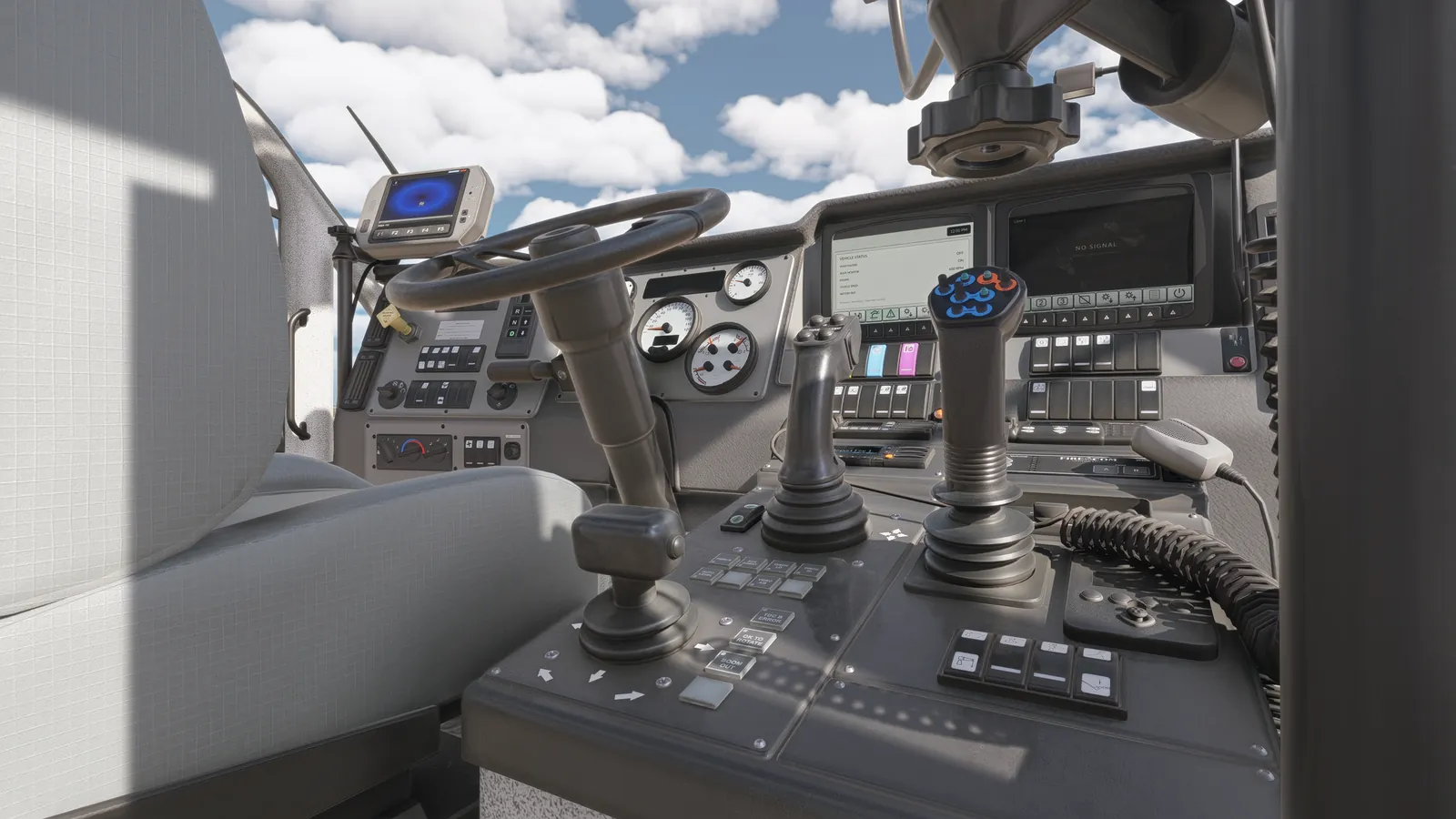
Drivable vehicles matched to the airport fleet in its own livery: dimensions, acceleration, braking, steering and traction, a modeled cabin with working instrumentation, and the specialist functions each unit performs.
- Operations pickups, ARFF, winter units, GSE, boarding bridges
- Cabin instrumentation and controls
- Plow, broom, blower, belt, tow, turret and boom functions
See Vehicle modeling.
04 · Missions, Mission Editor and Examiner Console
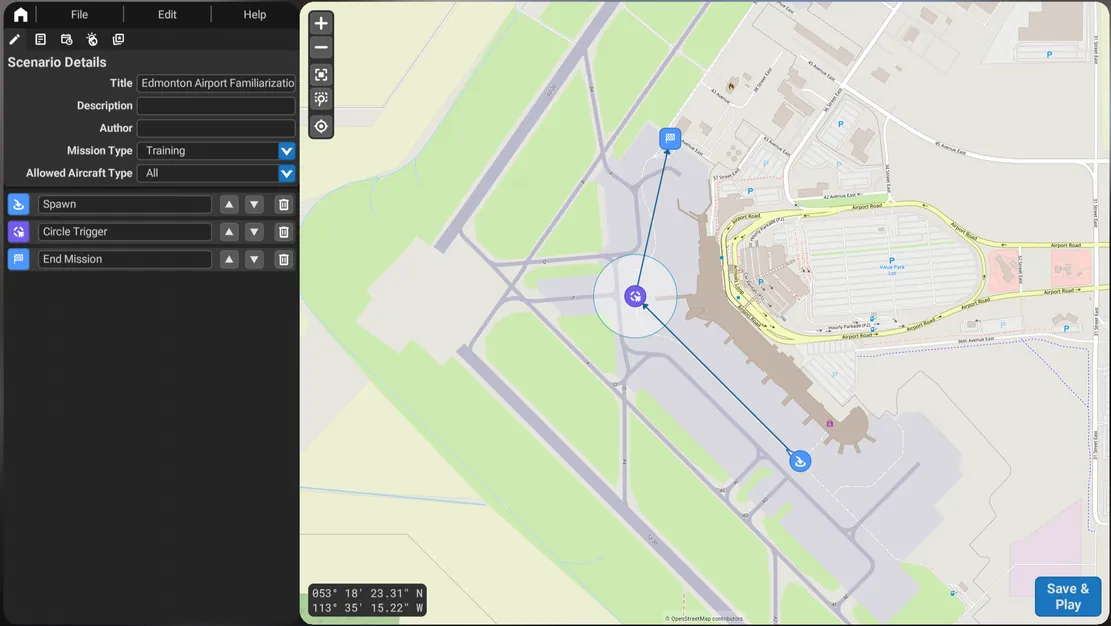
The training layer. Scored missions built on your routes and procedures, an editor for instructors to author new scenarios on the airport map, and a web console to launch, monitor and assess several stations at once.
- Missions delivered in blocks of 20, extended by your instructors
- Moving aircraft and vehicle traffic, triggers and conflicts
- Pass and fail constraints, violations and timings logged
- Examiner Console: one instructor, several stations, records kept
See the Instructor Tools manual.